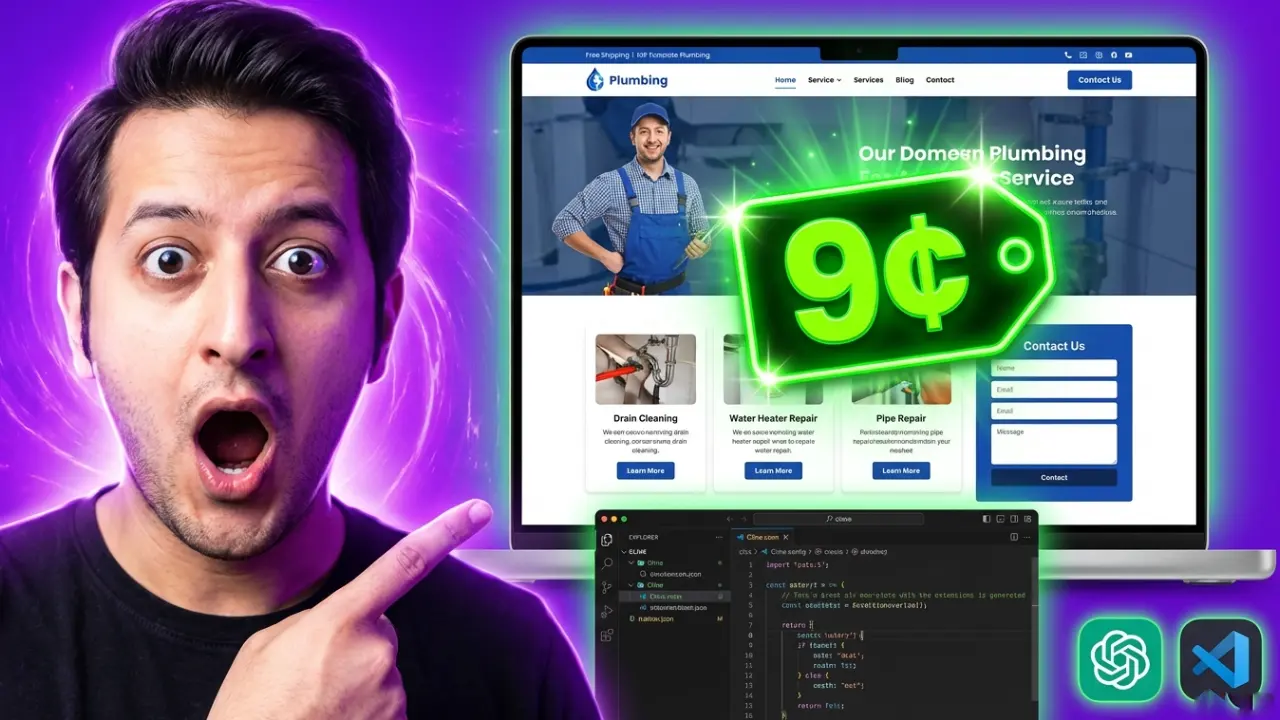
In this guide, I'll show you how I built a complete website using Qwen 3.5 Plus — an open-source model — through OpenRouter. Total cost? 9 cents.
We're getting closer to the point where open-source models can compete with premium ones like Claude Opus. Not quite there yet, but for the price? It's impressive.
What You'll Need
An OpenRouter account with a few dollars credit
VS Code with the Cline extension installed
ChatGPT or Claude (for prompt optimization)
Step 1: Set Up OpenRouter
Go to OpenRouter and create an account if you don't have one. Click Add Credits and add a couple of dollars — that's more than enough for testing.
Then go to API Keys and create a new API key. Copy it — you'll need this for the Cline extension.
Step 2: Configure Cline in VS Code
Make sure you have the Cline extension installed in VS Code. Go to the extensions marketplace and search for "Cline" if you haven't got it yet.
Once installed:
1. Open Cline settings
2. Select OpenRouter as your provider
3. Paste your API key
4. For the model, type: qwen/qwen3.5-plus-2026
5. Enable thinking tokens if you want (I set it to max)
Click Done and you're ready to go.
Step 3: Optimize Your Prompt
Here's a key tip: don't just type a basic prompt. Use ChatGPT or Claude to optimize it first.
I started with a simple idea: "I want to build a plumbing website." Then I asked ChatGPT to expand that into a detailed prompt with:
Specific sections (hero, services, reviews, contact form)
Tech stack (HTML, CSS, a UI library for responsiveness)
Image placeholders from Pexels
Design requirements (contrast, mobile-friendly)
The AI gave me a comprehensive prompt that I could copy directly into Cline. You cannot do this level of detail yourself quickly — let the AI help you structure it.
Step 4: Build the Website
In Cline, make sure all the auto-approve options are checked:
✅ Read files
✅ Write files
✅ Execute commands
This way, you don't have to manually approve every action. You can go grab a coffee and come back to a finished website.
Paste your optimized prompt and hit send. The thinking model will initiate, and Qwen 3.5 Plus will start coding.
Note: It's a bit slower than premium models, but I don't mind. As long as the output is good, speed doesn't matter. The AI is doing the work while you do something else.
The Result
After the build completed, I checked OpenRouter — it used 23,200 tokens and cost me 9 cents.
The website had:
A hero section with the business name
Service cards (Drain Cleaning, Water Heater Repair, Pipe Repair)
A contact form
Reviews section
Footer with contact info
Some images were broken (normal for AI builders), and the responsive menu wasn't perfect. But for 9 cents? Not bad at all.
Step 5: Iterate and Improve
I went back to Cline and asked it to fix specific issues:
"Fix the broken image in the 'Why Choose Us' section"
"Improve the mobile menu"
After the fixes, the images worked and the menu was much better. Still not perfect, but functional.
How Does It Compare to Premium Models?
Let me be honest: if I gave this same prompt to Claude Opus, it would nail it. The quality would be higher, the responsiveness would be better, and there'd be fewer issues to fix.
But here's the thing — Opus costs significantly more. For quick prototypes, testing ideas, or budget projects, Qwen 3.5 Plus through OpenRouter is a solid choice.
We're getting close. The gap between open-source and premium models is shrinking. One day, local models might take over entirely.
The Hardware Question
This got me thinking about local AI. Right now, I'm using cloud APIs, but I want to run models locally — 24/7, no API costs, full control.
Mac Studios are popular for this, but they're expensive. I've got a PC with an RTX 2070 (8GB VRAM) and a Ryzen 9 5950X, which is bottlenecked by the GPU. I'm planning to invest in more powerful hardware soon.
If you're thinking long-term, consider saving up for hardware that can run local models. Before everyone else catches on and hardware becomes scarce.
Quick Reference
| Item | Detail |
|---|---|
| Model | Qwen 3.5 Plus (via OpenRouter) |
| Model ID | qwen/qwen3.5-plus-2026 |
| Tokens used | 23,200 |
| Total cost | $0.09 |
| Tool | Cline (VS Code extension) |
| Build time | ~5-10 minutes |
What's Next
I'll be comparing Qwen 3.5 Plus with Kimi K2.5 to see which performs better for coding tasks. I'm also planning to integrate one of these budget models with my OpenClaw setup for automated workflows.
If you want to see those videos, make sure you subscribe. And if Apple wants to send me a Mac Studio for testing... I'll make videos all day long. 😄